I seem to be picking up a few projects lately which require migrating data up to Azure SQL from an on premise database. One of the things that people tend to do when they have on premise databases is query across databases or link servers together. It is a really tempting prospect to be able to query the orders database from the customers database. There are, of course, numerous problems with taking this approach not the least of which is making it very difficult to change database schema. We have all heard that it is madness to integrate applications at the database level and that’s one of the reasons.
Unfortunately, whacking developers with a ruler and making them rewrite their business logic to observe proper domain boundaries isn’t always on the cards. This is a problem when migrating them to SQL Azure because querying across databases, even ones on the same server, isn’t permitted.
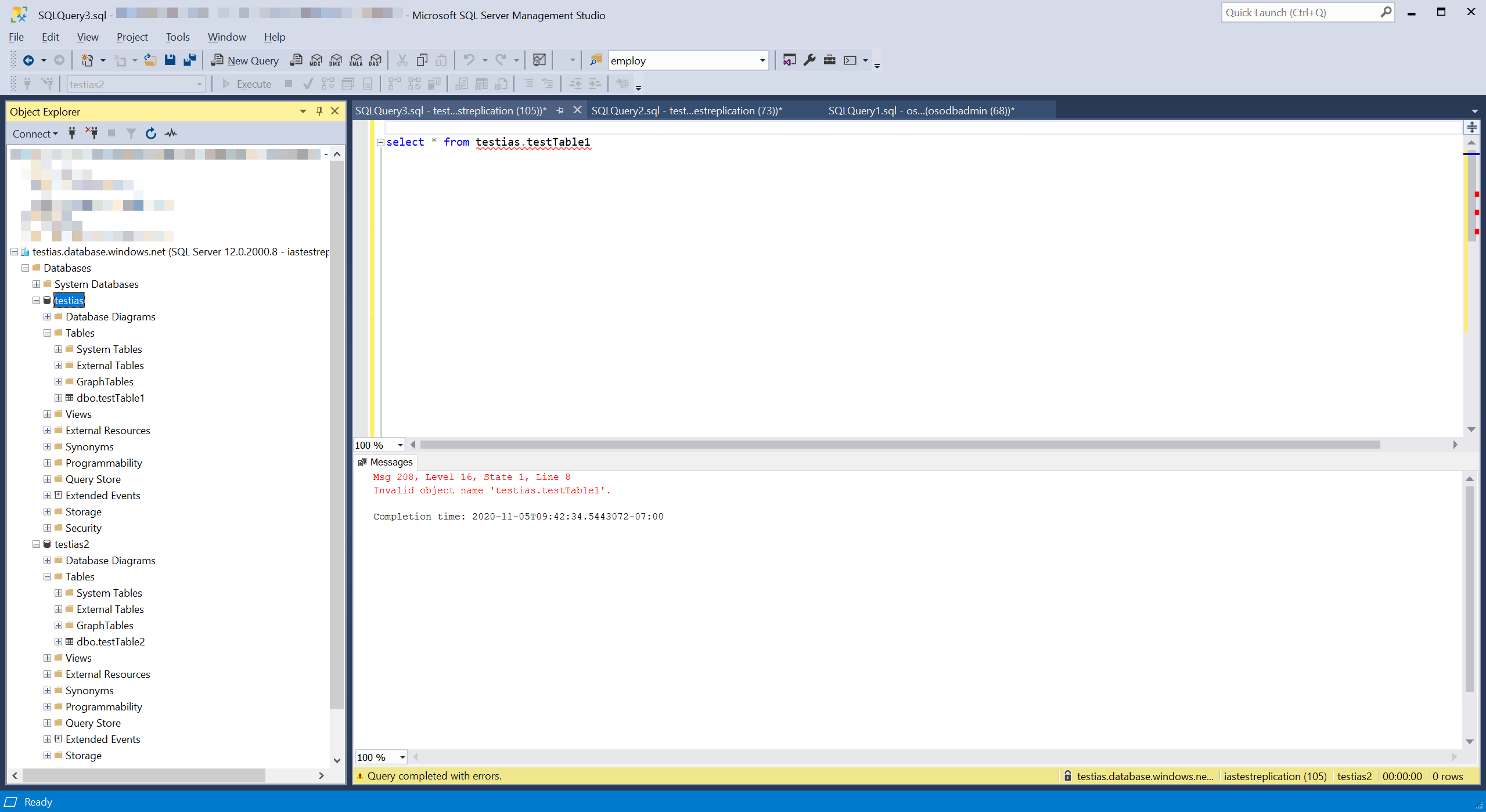
This is where the new Elastic Query comes in. I should warn at this point that the functionality is still in preview but it’s been in preview for a couple of years so I think it is pretty stable. I feel a little bit disingenuous describing it as “new” now but it is new to me. To use it is pretty easy and doesn’t even need you to use the Azure portal.
Let’s imagine that you have two databases one of which contains a collection of Products and a second database that contains a list of Orders which contain just the product id. Your mission is to query and get a list of orders and the product name. To start we can set up a couple of databases. I called mine testias and testias2 and I had them both on the same instance of SQL Azure but you don’t have to.
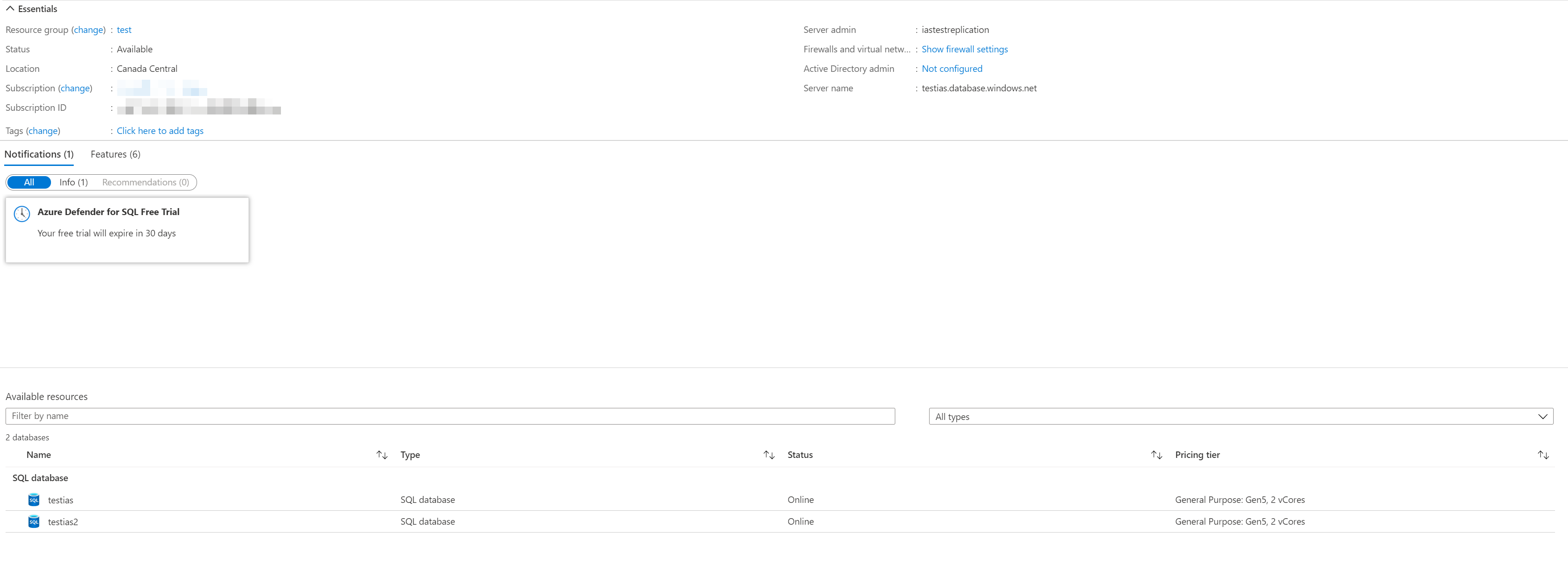
Product Database
create table Products(
id uniqueidentifier primary key default newid(),
name nvarchar(50));

insert into Products(name) values('socks');
insert into Products(name) values('hats');
insert into Products(name) values('gloves');
Orders Database
create table orders(id uniqueidentifier primary key default newid(),
date date);

create table orderLineItems(id uniqueidentifier primary key default newid(),
orderId uniqueidentifier,
productId uniqueidentifier,
quantity int,
foreign key (orderId) references orders(id));

declare @orderID uniqueidentifier = newid();
insert into orders(id, date)
values(@orderID, '2020-11-01');

insert into orderLineItems(orderId, productId, quantity) values(@orderID, '3829A43D-FD2A-4B7C-9A09-23DBF030C1DC', 10);
insert into orderLineItems(orderId, productId, quantity) values(@orderID, '233BC430-BA3F-4F5C-B3EA-4B82867FC040', 1);
insert into orderLineItems(orderId, productId, quantity) values(@orderID, '95A20D82-EC26-4769-8840-804B88630A01', 2);

set @orderId = newid();
insert into orders(id, date)
values(@orderID, '2020-11-02');

insert into orderLineItems(orderId, productId, quantity) values(@orderID, '3829A43D-FD2A-4B7C-9A09-23DBF030C1DC', 16);
insert into orderLineItems(orderId, productId, quantity) values(@orderID, '233BC430-BA3F-4F5C-B3EA-4B82867FC040', 99);
insert into orderLineItems(orderId, productId, quantity) values(@orderID, '95A20D82-EC26-4769-8840-804B88630A01', 0);
Now we need to hook up the databases to be able to see each other. We’re actually just going to make products visible from the orders database. It makes more sense to me to run these queries in the database which contains the most data to minimize how much data needs to cross the wire to the other database.
So first up we need to tell the Orders database about the credentials needed to access the remote database, products. To do this we need to use a SQL account on the products database. Windows accounts and integrated security doesn’t currently work for this.
create master key encryption by password = 'monkeyNose!2';
create database scoped credential ProductDatabaseCredentials
with identity = 'ProductsDBUser',
secret = 'wouNHk41l9fBBcqadwWiq3ert';
Next we set up an external data source for the products
create external data source ProductsSource with
(type=RDBMS, location = 'testias.database.windows.net',
database_name = 'testias', credential = ProductDatabaseCredentials);
Finally we create a table definition in the Orders database that matches the remote table (without any defaults or constraints).
create external table Products( id uniqueidentifier,
name nvarchar(50))
with ( data_source = ProductsSource)
We now have a products table in the external tables section in the object explorer
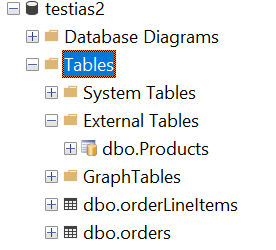
We can query the external table and even cross it against the tables in this database
select name, ol.quantity from orderLineItems ol inner join products p on ol.productId = p.id
socks   16
socks   10
gloves  1
gloves  99
hats    2
hats    0
So it is possible to run queries across databases in Azure but it takes a little set up and a little bit of thought about how to best set it up.
Possible Gotchas
- I forgot to set up the database to be able to talk to Azure resources in the firewall so I had to go back and add that
- Inserting to the external table isn’t supported, which is good, make the changes directly in the source database