
Robust Server Setup by AI
In the a previous post in this series about running hosting on a VPS instead of a cloud provider, I installed PostgreSQL on the server and then did some benchmarking with pgbench. I kind of flew by the seat of my pants doing that. Commands were run, nobody wrote them down and nobody documented them. This is pretty much how snowflake server setup works. If we ever have to recreate the server or set up another copy we’re hooped.
I don’t want to live that way but I also don’t want to spend my days writing documentation. So let’s see if we get get a better setup through some tools and the appliation of AI.
I’ve seen a couple of my friends set up servers like this with AI basically telling an agent what to do and to document it on the way. However the way they’ve done it is really just to generate a bunch of documentation rather than use some of the excelent tooling that already exists in this space. I’m going to go a little deeper into the DevOps world and use Ansible to set up some of the server. Ansible is a tool for automating server setup and configuration. It uses a YAML to describe the desired state of the server, and then it takes care of making sure the server matches that state.
Let’s take it step by step. In codex I asked for
Let's install k3s and headlamp on this machine using ansible. Put all the ansible files in a git repository under an ansible folder. At the top level of the git repository write a README.md file which explains how to run the ansible files. In future we're going to add tanka scripts to manage deployments to k3s
This should get us k3s which is a lightweight Kubernetes distribution and headlamp which is a web-based Kubernetes dashboard. Some churning later and a granting of permission to the agent to install ansible (hey, we need some way to bootstrap things)
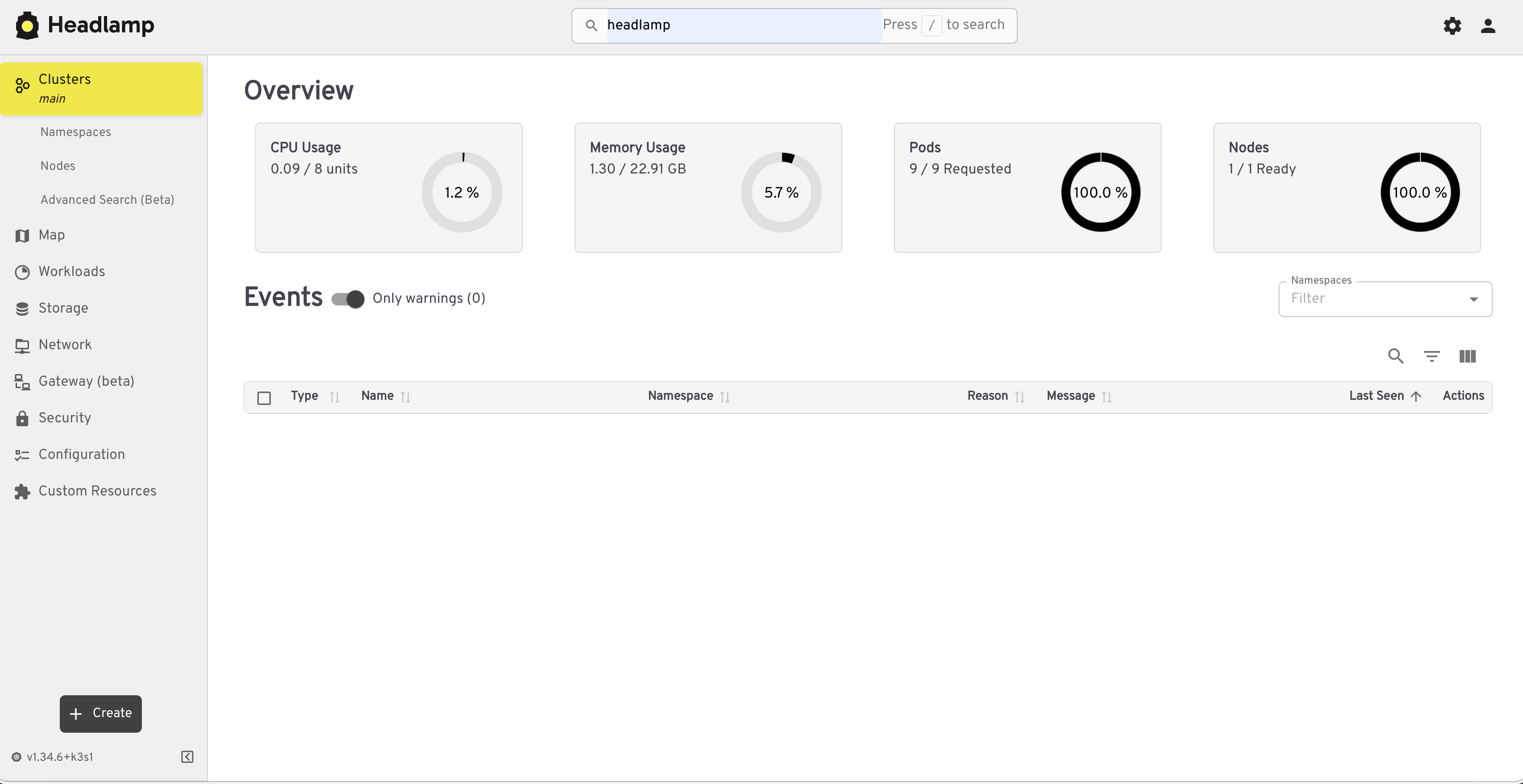
Awsome, just like that we’ve got a management interface for our cluster and it’s available to manage from anywhere.
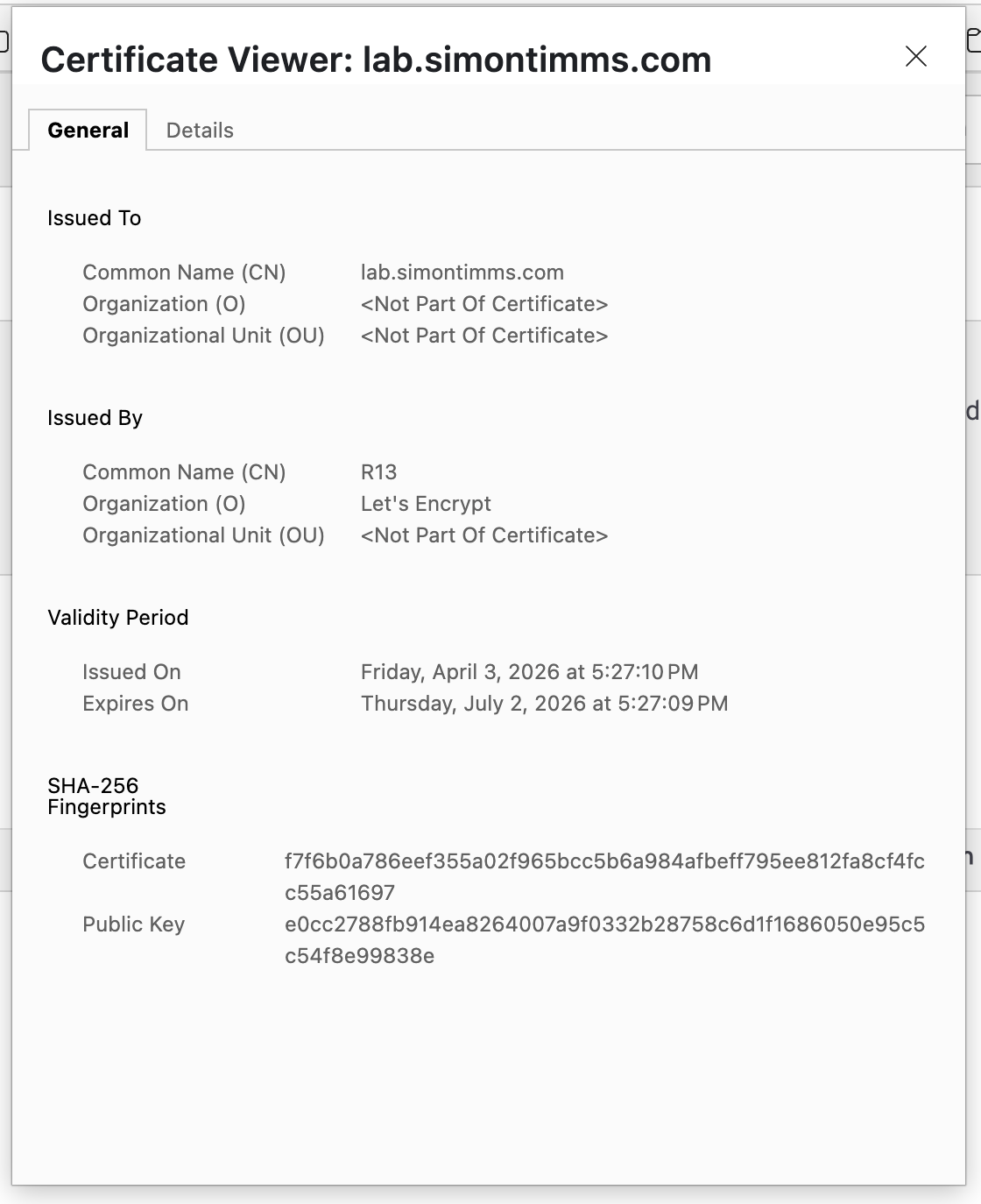
And look at that with a few more requests we can make sure it is secure behind an SSL certificate.
Let’s go ahead and shift our Postgres database into the cluster as well. All that takes is the instruction
Using the tanka files add a deployment of a PostgreSQL database to the cluster. Make sure to set it up with a persistent volume so that the data is not lost when the pod is restarted. Put the database in the blog namespace in k3s.
The take away here is that using an agent to help you build the machine and document the process is a much better way to set up a server than just doing it by hand and hoping you remember how you did it. This way we have a repeatable process that we can use to set up new servers or recreate this one if we need to.